
Online Pharmacy Apps in the Philippines: What to Look For
Kailangan ng gamot pero ayaw pumila sa botika? An online pharmacy app lets you upload a prescription, find your medicines, and have them delivered to your home. Getmeds is an FDA-licensed importer, wholesaler, distributor, and retail pharmacy with an online drugstore and a mobile app, so you can upload your prescription or browse over-the-counter medicines anytime. Here is what a good online pharmacy app should have.
What is an online pharmacy app?
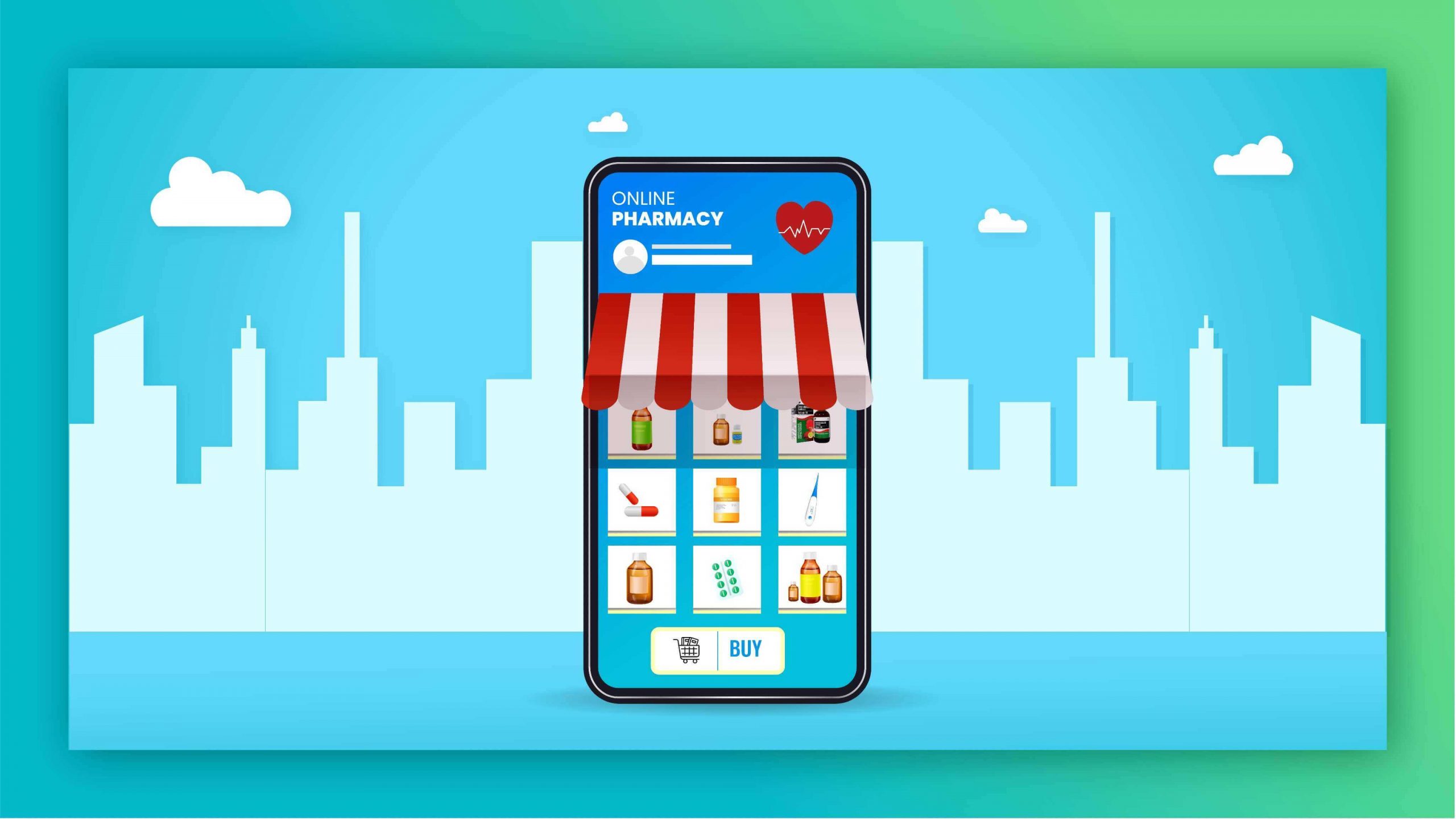
An online pharmacy app is a mobile app or phone-friendly website where you can search for medicines, upload a doctor’s prescription, and arrange delivery, instead of visiting a physical branch. A legitimate one follows the same rules as a physical pharmacy, including the prescription requirement for prescription medicines.
6 features a good online pharmacy app should have
- Easy prescription upload. You should be able to take a photo of your doctor’s prescription and submit it from your phone.
- A searchable catalog with generic names. The Generics Act of 1988 (RA 6675) requires the generic name on labels. A good app lets you search by generic or brand name and compare.
- Order confirmation and updates. You should get a confirmation after submitting an order, and a way to follow up on its status.
- Data privacy. Your prescription is health information. A legitimate pharmacy handles it according to the Data Privacy Act of 2012 (RA 10173) and stores it securely.
- A real support channel. Email, phone, or chat, so you can ask about a medicine or an order.
- Clear discounts and pricing. Senior citizen and PWD discounts should be applied properly for eligible purchases, and there should be no hidden charges.
Getmeds on your phone
Getmeds is a pharmaceutical company that sells prescription medicines, over-the-counter products, medical devices, and food supplements, with delivery across Luzon, Visayas, and Mindanao. As the Philippines’ #1 company by number of registered oncology products, Getmeds focuses on cancer medicines and chemotherapy drugs, plus hospital supplies, dialysis, and maintenance medicines.
On your phone, you can:
- Download the Getmeds app on the App Store or Google Play
- Upload your prescription
- Browse over-the-counter medicines
- Find cancer medicines
- Ask about the Patient Assistance Program and senior citizen and PWD discounts
Ready to start? Go to the Getmeds online drugstore.
Not a patient? Use the right page
- Doctors: request medicines for your patients.
- Hospitals: request quotations and bulk supply.
- Pharmacies and resellers: open a distributor account.
Related guides
- Paying for cancer treatment? Read how to reduce cancer treatment costs and how to apply for PCSO medical assistance.
- Worried about fake sellers? See how to spot a legitimate online drugstore in the Philippines.
- In Metro Manila? Read our guide to online drugstores in Manila.
Frequently asked questions
Does Getmeds have an app?
Yes. You can download the Getmeds app on the App Store or Google Play, or use the online drugstore on your phone’s browser.
Is there an online pharmacy app in the Philippines?
Yes. Several licensed pharmacies offer apps or phone-friendly websites. Look for an FDA license to operate and a prescription requirement for Rx medicines.
Can I upload a prescription from my phone?
Yes. Take a clear photo of a valid doctor’s prescription and submit it through the pharmacy’s upload page. See the Getmeds prescription upload page.
Do I need a prescription?
For prescription (Rx) medicines, yes. Non-prescription medicines can be purchased without one.
Is my prescription information safe?
A legitimate pharmacy handles your health information under the Data Privacy Act. Check the pharmacy’s privacy policy.
Does Getmeds offer senior citizen and PWD discounts?
Yes.
Prescription medicines require a valid prescription from a Philippine-licensed doctor. This article is for general information and is not medical advice.